• The move to the new server is done. There are some software and database maintenance updates in process. This has us passing the hat around to help out. We appreciate any donations. Seriously, even a dollar helps. The payment page may be found here - https://www.audiokarma.org/support.html

Otari MX-5050 plays fast. Solved !! Next, re-lapping, physical alignment, electrical adjustments and paint job!

OK, the slow motion didn't tell me what speed it was running at. You WILL need to deoxit the HELL out of those switches, as they are NOTORIOUS for causing either a no-run, or no speed change like yours. Always start at basics. You clearly have NOT read up on the 5050, as all this has been documented to death.

The tach.... (sigh)..... you need an oscilloscope.... you are looking for a sine wave, basically. A meter tells you nothing. :no:
I have cleaned the switches. I took the board out and tested resistance in all positions. I have read up on the 5050. Lots of good info. What should I scope?
The two points on the sensor?

PS: in the video you can see i start on high speed then after I push the speed button it goes to low. no speed change.

Nashou
 
Ok new video, weird issue !


Right now been showing the sine wave for a while while waiting for the posting of the above video.
Also Disconnecting the probe it seems to be holding speed. Pushing speed button changes speed , back and forth. i'll let it play like this for a while and see how it is in 15 minutes.

Athanasios
 
OK...... so it works. Here is what I'd do. De-magnetize the tacho head AWAY from the motor and check that it is close to the motor pick up ring but not touching it when you re-mount it. You have a weak signal. It's likely NOT the capstan board. I've had bad tach heads before.

Nice setup, btw. :)
 
You also said you had no resistance on the tach wires. Did you actually test AT the head and make sure the wires have continuity to the board? You SHOULD have resistance, you are measuring a coil.
 
There is also a speed selector switch on the power supply PCB. Have you confirmed its contacts are functional?
 
There is also a speed selector switch on the power supply PCB. Have you confirmed its contacts are functional?
I checked continuity and it was good.

This morning before I left for work I checked the speed and its back to going fast. So I need to de magnetize the sensor
and re align it as Tinman states.

Athanasios
 
Ok , Pretty sure this is working well now.

I removed the Tacho sensor and it was pretty dirty. Then I demagnetized it and reinstalled it. I then loosened the one screw that also had clip that looks like it might be used for some sort of GND scheme. I then put a mica insulator between the sensor head and cog wheel.

At first it did not do any thing then after a short time it ran properly. I switched back and forth between speeds and also many cycles of power off and on and also lifting and dropping the end of play off arm. Speed change works great.

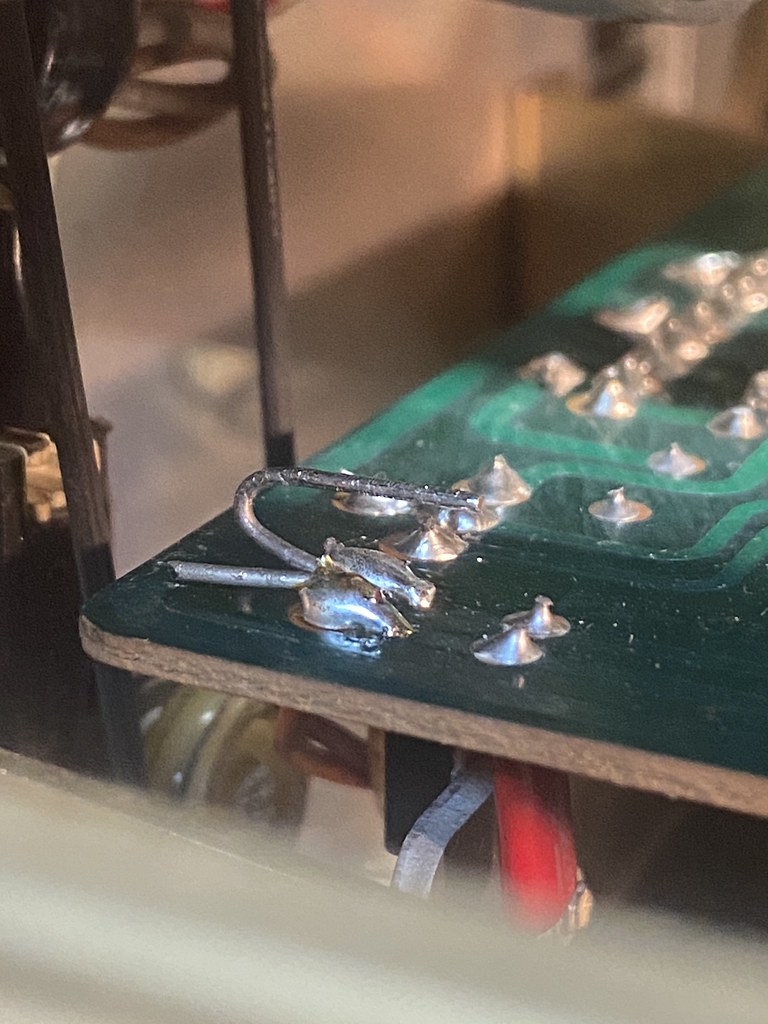
I reinstalled the capstan board and left the old resistor leads I added to measure the Tacho , so I can use them to measure the sine wave in the future if need be.

54585675733_19cfebfb51_b.jpg


I still cant find any info on what the belt is for on the take up reel side in the next picture?

54578914061_95ef2a261c_b.jpg


It's behind the capstan control board. I look dover the few manuals I have but can not find it, unless I over looked it.

Athanasios
 
Does the deck have a mechanical counter or electrical? If electrical, then that sensor could be the generator for the counter. In play, stop the white wheel by hand and see if the counter stops or the deck stops.
 
Does the deck have a mechanical counter or electrical? If electrical, then that sensor could be the generator for the counter. In play, stop the white wheel by hand and see if the counter stops or the deck stops.
No it's a mechanical counter. I need that belt as well.

Nashou
 
The belt going to the white wheel in your picture is a movement sensor. Make sure the wheel turns very freely. It's an odd arrangement.... you'd think it would be on the other side, but it could have something to do with the edit mode. I don't remember. The original 5050 has become somewhat rare and I haven't worked on one in at least a decade. That's why I call them "Grandpa Otari". They are quite old, the BII model coming afterwards and also the most sold.
 
The belt going to the white wheel in your picture is a movement sensor. Make sure the wheel turns very freely. It's an odd arrangement.... you'd think it would be on the other side, but it could have something to do with the edit mode. I don't remember. The original 5050 has become somewhat rare and I haven't worked on one in at least a decade. That's why I call them "Grandpa Otari". They are quite old, the BII model coming afterwards and also the most sold.
Thanks,the wheel moves freely but the belt is very loose.

You said earlier the 2nd and 3rd number in the serial number are the date.
So this was made in 1979.

54575614504_dd6f8df760_h.jpg


The previous owner said it came from his late uncles estate and most likely came from a radio station, WQBE in Charleston WV. A search says its country station.

Athanasios
 
Last edited:
Ok, Still not working properly.

Turned it on after it was off for over a day. Way to fast capstan again and no change with speed button pressed .
Hoped connecting the scope probe would do what it did before( causing speed to become correct) but nothing. So I also wanted to see if there was voltage right at the sensor head. I had voltage and changing the speed button did nothing. Poked all the relays ( Is one for the speed? Couldn't figure it out on the schematic) and nothing. So I went to check voltage right at sensor head and speed went to normal, but as soon as I removed the Hand held DMM probe from the sensor it sped up again. touching probe slowed it down again. After it has been on for a while it seems to hold steady without touching the probe to sensor .

So it seems it may be warm up related. not sure where to look for cold solder joints, that is which board. It have to be one that would heat up after being on for a while.

EDIT: After letting it run for some time the speed went up again and now nothing I do adjusts the speed.

I wonder if the Tacho is intermittent?

Athanasios
 
Last edited:
DID you take an ohm meter across the head itself? What does it read? Deck OFF!!
the day before it read IIRC 515k . It wasnt OL I know that for sure.

I'll check when I get home. I was thinking to re check it anyhow after last nights behavior.

nashou
 
That's kinda high.... Usually around 200 or less.
Ok I desoldered one lead to the sensor and got 3k finally . At first it was jumping around very high then lower and lower. I tried a couple DMM's all did the same.

So I soldered it back in and now it works again right after turn on I can here the
relay on the capstan control board chatter before it settles. This quick
clicking only happens if I turn on the unit with the speed button set to low. On high it just clicks once .

But I have to go to a family function now so won't be back to play with it more till late tonight.

Thanks for all the help.

Athanasios
 
Got back from my family function and once again it played fast. Nothing would get it to change speed.

I have a feeling it's either the sensor or now possibly the relay. I'll try again later, and might remove the relay and see how the contacts look.

Athanasios
 
Suggestion: Without TOUCHING the tacho head, try heating it up and cooling it down. If it's an intermittent connection, that should tell you.
 
Back
Top Bottom