• The move to the new server is done. There are some software and database maintenance updates in process. This has us passing the hat around to help out. We appreciate any donations. Seriously, even a dollar helps. The payment page may be found here - https://www.audiokarma.org/support.html

Build a DIY Squeezebox Touch

Ah, that explains all that. Back to my Volumio system, which has been working fine all by itself.
The trick now is going to be getting the pimoroni hyperpixel4 screen to work on that!
Such a great looking screen- really impressive!
 
Last edited:
IIRC Volumio has an LMS plugin. Or you can run LMS on a Mac. Jivelite is perfect for this small screen, which is about the same size as on the Squeezebox Touch. Not sure whether Volumio has a UI besides its browser interface.
 
Volumio does support the small screens on a Pi. With DLNA enabled on my Volumio Pi Zero's they show up as renderers on the LMS I have running on a Linux Mint surplus laptop. Best of both worlds.

Mark Gosdin
 
Tried it with MoOde, which appears to be very similar to Volumio. Once MoOde is up and running, installing the screen was very straightforward:

https://learn.pimoroni.com/tutorial/sandyj/getting-started-with-hyperpixel-4

curl https://get.pimoroni.com/hyperpixel4 | bash
Select 0, follow the prompts. At the end, run

hyperpixel-rotate right

to get the orientation correct (assuming USB ports at top).

Then turn on the screen in the MoOde config, and set up your USB DAC in the MPD Edit screen.

Works fine, but it really isn't designed for a small touchscreen. The buttons are WAY too small, and the screen is too cluttered, until I figured out how to get it into a simpler display mode. Still, the buttons are too small. It runs chromium-browser for the local UI, which is a bloated pig for this small device, but it does work. Just not NEARLY as well as piCorePlayer / Jivelite.

Screenshot 2021-05-19 2.24.31 PM.png

6EEC6F3E-9013-4A6A-85F1-85E1A33A1406.jpeg 5C7880FD-8C96-404E-AA17-E8EB43380714.jpeg A4570F76-93FE-4950-AD75-C730F49BBB33.jpeg
 
Last edited:
With a 7" screen and a Pi 4, tho, this would be pretty nice. Especially the built-in Camilla DSP feature.
 
With a 7" screen and a Pi 4, tho, this would be pretty nice. Especially the built-in Camilla DSP feature.
Ok, thank you for all the testing/debugging/feedback!
Maybe I'll chase down a 7" display.
I wasn't planning to control it from the display - the iPhone interface does that fine -
But I thought it would be nice to have a display on the Pi of what's playing ...
 
I wasn't planning to control it from the display - the iPhone interface does that fine -
But I thought it would be nice to have a display on the Pi of what's playing ...

Yes, I mostly use my big screen and keyboard for starting play, but that quickly goes into the background, so it's very nice to have this small adjunct screen to glance at to see what's playing, especially when listing to a playlist or a radio station. I rarely use the touch feature, but it's nice to have. It shows time and date when it's sleeping, too.

FWIW, I think the LMS setups make a lot more sense than the MPD-based ones. LMS is more a spoke-and-wheel architecture, with one relative powerful server, and multiple, low-powered, "slim" endpoints.

MPD (as far as I can tell) requires relatively high-powered, full-featured peer-to-peer devices, much like the Sonos model. With multiple rooms, the MPD model quickly gets more expensive, with Pi 3s or 4s in each room, while Squeezelite can run happily on $14 Pi Zero WH's.
 
Last edited:
sorry, break down MPD for me - I don't know that acronym.
 
It's an STL file. Google 'STL editor'.

Having just helped a colleague install SketchUp 7, I remembered it needs an STL plugin. As does my own PC, since I recently upgraded to OS to 64-bit and had to reinstall all my s/w...

This allowed me to remember that this plug-in also allows import of STL files into SU. Thereafter, it ought to be simple.
 
Turns out you can cast a fully interactive web page from Chrome browser to the Google/Nest Home Hub. The Material Skin works nicely on its 7” screen. Unfortunately, if you don’t keep interacting via touch, it eventually times out and returns to its Home Screen. Perhaps when Fuchsia rolls out, with its touch keyboard, it will stay on the web page…

https://demille.github.io/url-cast-receiver/

29CF6457-0826-4D99-9093-CAFC72EDB9E5.jpeg
 
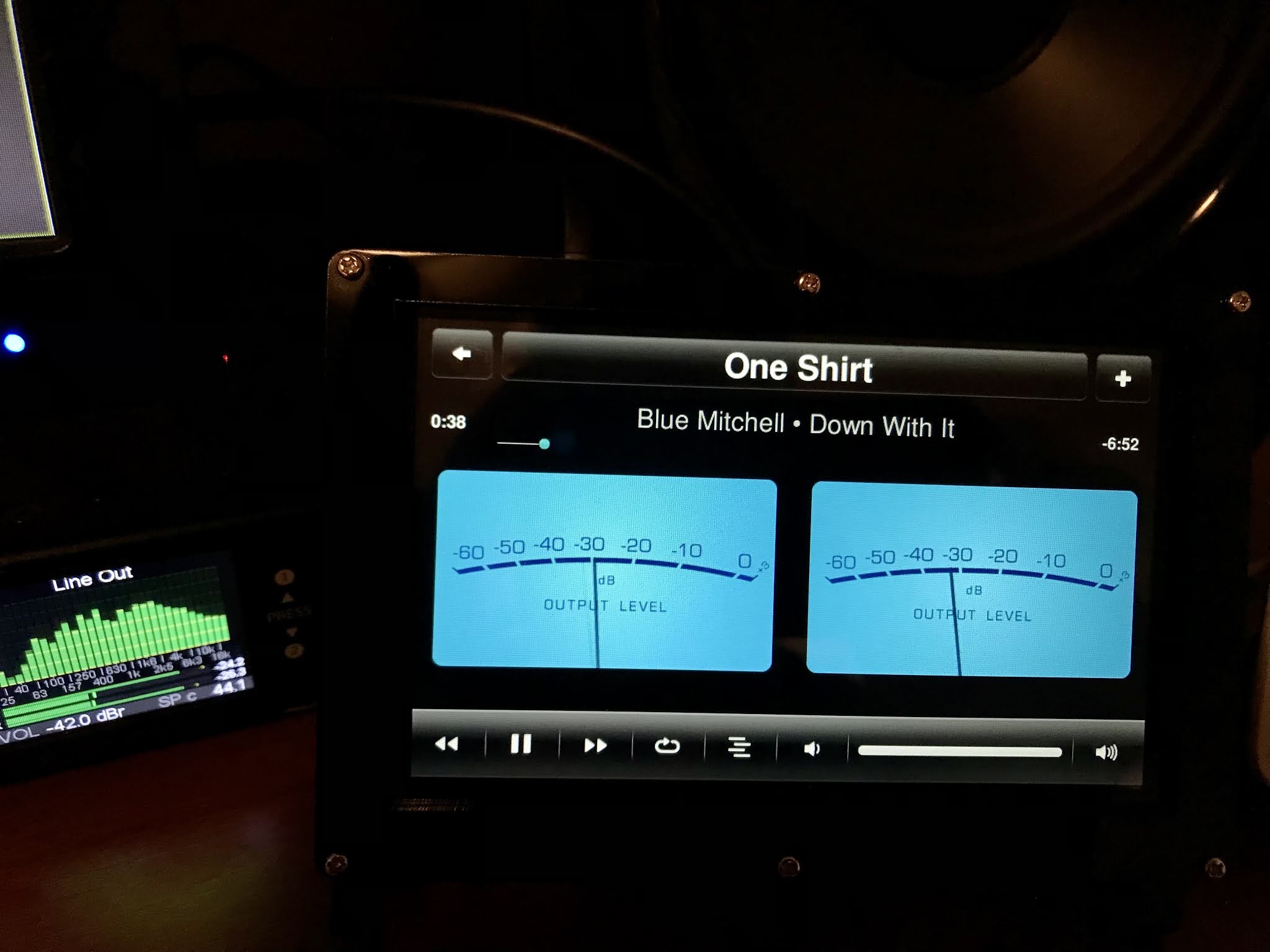
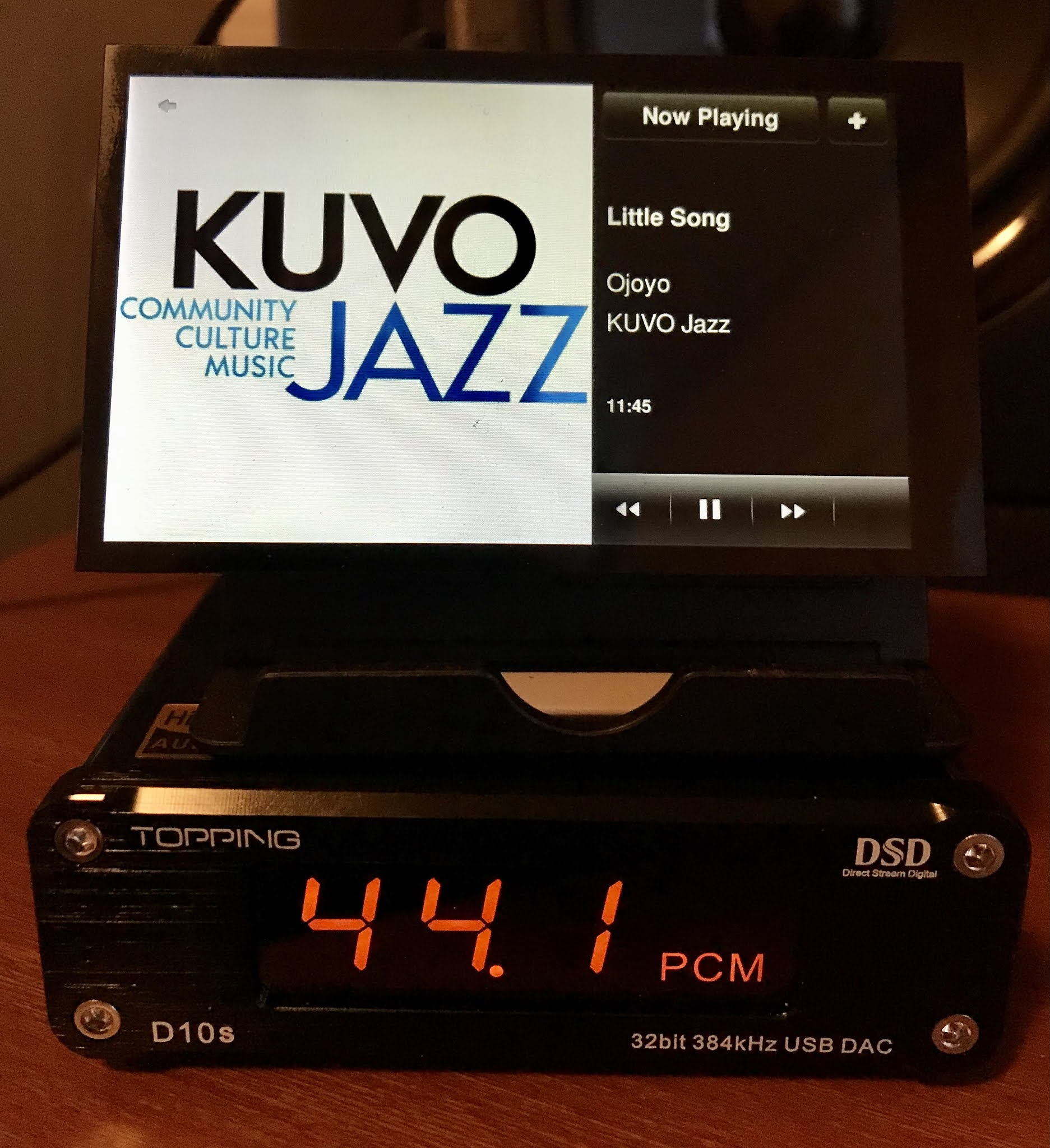
Had an Amazon gift card burning a hole in my pocket, so got a 5" OSOYOO LCD with stand. It's plug 'n' play, no mucking about with the config files or installing drivers. It won't work with a Zero, as it requires a DSI connector, so got a Pi 3A+, which is overkill for piCorePlayer, just basically loafs along at <10% CPU utilization while playing and driving the VU meters. This also frees up the GPIO connector, so plugged the Justboom Digi Zero HAT on the back, connected to my RME DAC. A small footprint, better fit for my small desktop than the typical 7" LCD / Pi 4 setups.

633806D8-FF6D-4C63-9F9E-789FA8EA448D.jpeg


GSwieMwOQS-QUg7F-ZGFCg.jpeg
 
Also, note that there's a free full-size USB connector on the Pi 3A+ available, so a thumb drive with music files could be installed, and the Pi 3A+ should have enough power to support LMS under piCorePlayer. Truly an all-in-one solution. Or just use a very large SD card with a partition for music files, with LMS.
 
Back
Top Bottom